Galvo laser software that engraves in 2D for free and carves 3D reliefs from photos
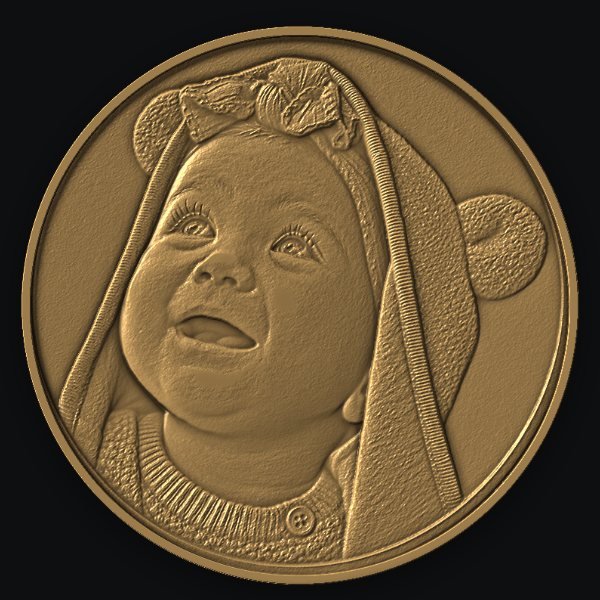
BeamCarve drives your BJJCZ fiber laser directly, on a Mac or a Windows PC. Draw, import and burn in 2D at no cost. Turn a photo into a relief up to about 1 mm deep in silver, gold, brass or copper with the 3D add-on.
- Free 2D engravingburn without a licence, save projects
- Opens .ezd filesobjects, pens, hatch and wobble from EZCAD2
- Up to 1 mm without moving Zdeeper, the program tells you how far
- Photos stay on your computerAI depth and background removal run locally
What is free and what is paid in BeamCarve?
All 2D engraving in BeamCarve is free: shapes, text, imports, .ezd files, pens and burning. You pay only for 3D Relief, which includes the relief tools and material calibration, with a year of updates.
| BeamCarve 2D | BeamCarve 3D | |
|---|---|---|
| Shapes, text, SVG / DXF / PDF / AI import | yes | yes |
| Open EZCAD2 .ezd projects | yes | yes |
| Pens, fill sets, cross-hatch, wobble | yes | yes |
| Burn order by pen, cuts last | yes | yes |
| Preview with red light (outline or bounding box) | yes | yes |
| 3D relief from a photo, drawing or depth map | - | yes |
| Material calibration (depth and darkening) | - | yes |
| Export depth map PNG 16-bit and STL | - | yes |
| Price | free | EUR 139 / USD 149 incl. 1 year of updates |
| Download free | Buy 3D |
swipe the table →
Does BeamCarve work with my BJJCZ / EZCAD2 laser?
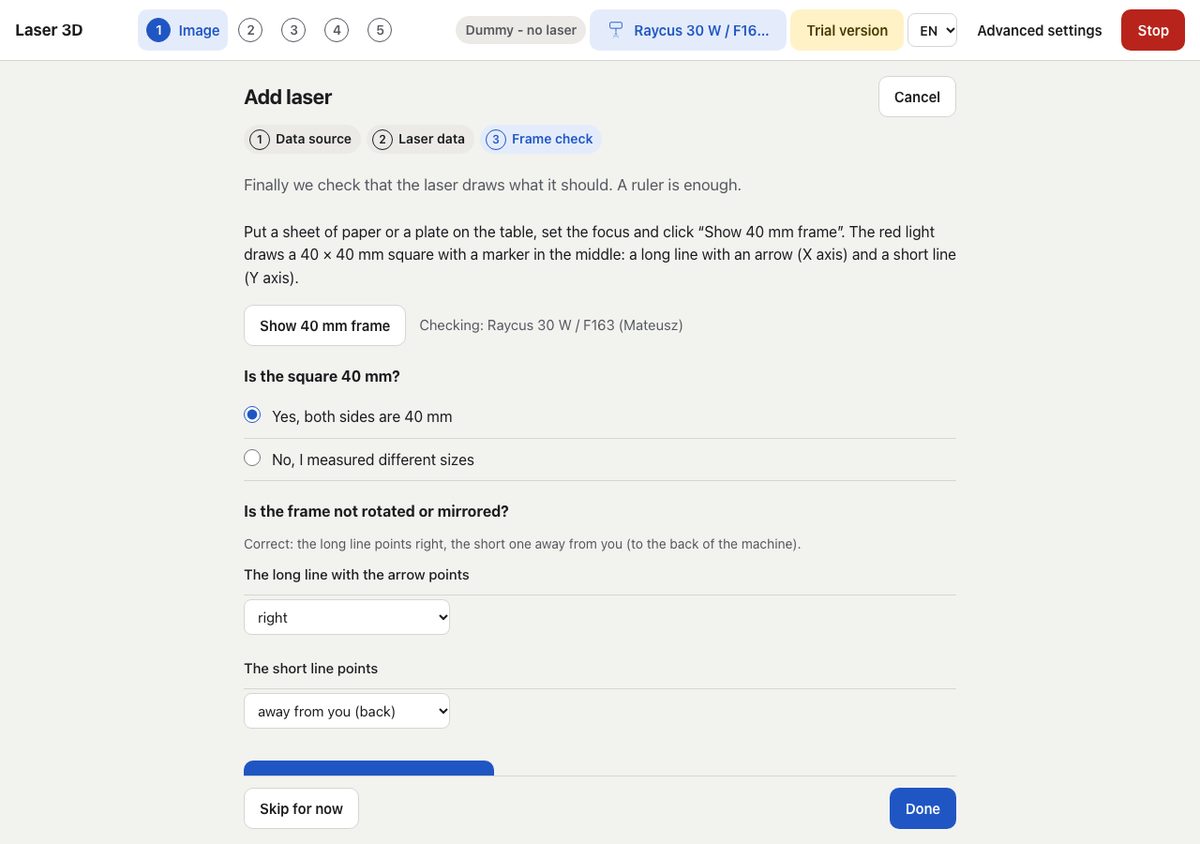
BeamCarve talks to BJJCZ LMC controller boards over USB, the same boards EZCAD2 uses on most fiber galvo lasers. It is tested on a Raycus 30 W Q-switch source with an F163 lens.
- Import your setup from EZCAD2. Point BeamCarve at your EZCAD2 folder and it reads the field size, axis scale, axis swap, source and frequency range. Your pens come from .ezd files.
- Or enter it by hand. Q-switch or MOPA, power, focal length (the program suggests the field for F100-F420 lenses) and frequency range.
- Check with a 40 mm frame. The red light draws a square with axis markers; you answer two questions and the program corrects the scale and direction.
- On Windows EZCAD2 and BeamCarve cannot use the board at the same time. BeamCarve switches the USB driver both ways with one click. On macOS no driver is needed.
How is BeamCarve different from EZCAD2?
BeamCarve keeps the pen settings you know from EZCAD2 and changes how the job is ordered and previewed. EZCAD2 burns objects in the order of the object list; BeamCarve burns by pen order, so cuts always go last, whatever order you drew things in.
| In BeamCarve | |
|---|---|
| Burn order | by pen: everything with pen 1, then pen 2; cutting pens at the end, holes before the outline |
| Order preview | the canvas plays back the burn path in pen colours, with jumps, before you burn |
| .ezd files | open directly; after import you get a list of what was loaded and what was skipped |
| Pen settings | power, speed, kHz, pulse width (MOPA), passes, 1-4 fill sets with cross-hatch and rings, wobble, pen delays |
| Red light preview | outline of the real shapes or the bounding box, looped until you stop it (15 min safety limit) |
| Warnings | when a cut crosses or contains an engraving burned later |
| Platforms | macOS (Apple Silicon) and Windows |
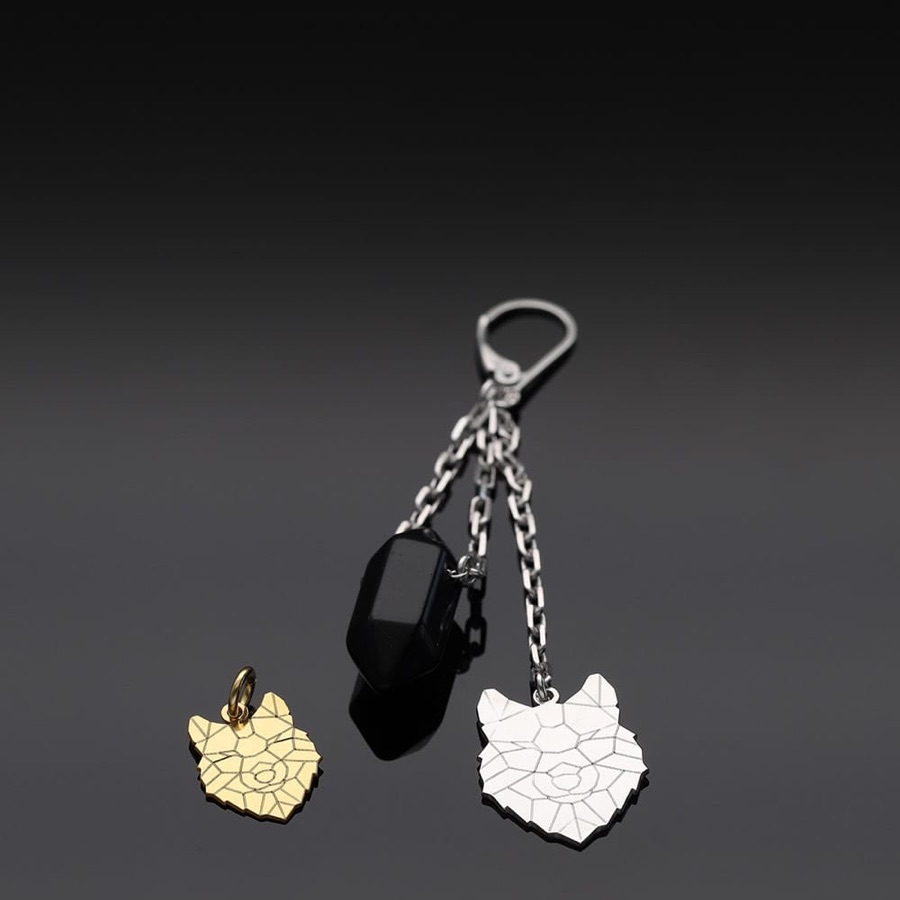
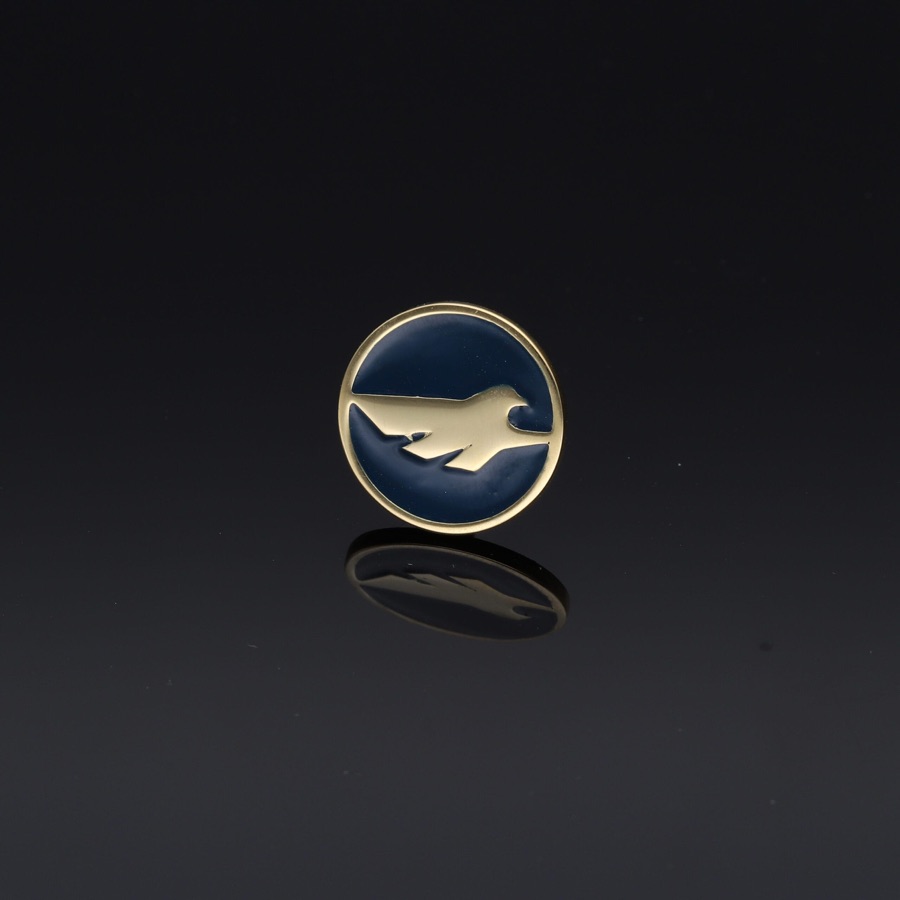
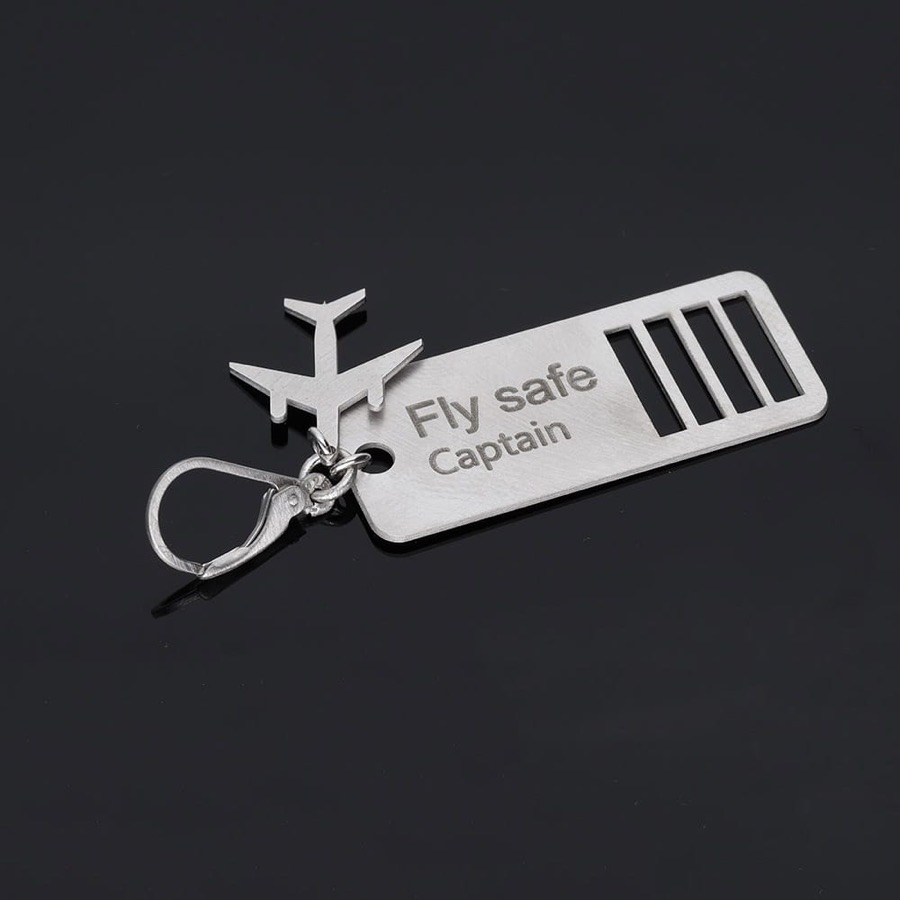
Made on a fiber laser
One price for 3D, with a year of updates
BeamCarve 2D is free. BeamCarve 3D costs EUR 139 (USD 149) and includes a year of updates. After that year the program keeps working; renewing updates costs EUR 25 (USD 29) a year.
FAQ
Is BeamCarve really free?
BeamCarve 2D is free: you can draw, import, open .ezd files and burn without a licence. Only 3D Relief and material calibration need a paid licence.
Which lasers does BeamCarve support?
Fiber galvo lasers with BJJCZ LMC controller boards, the ones that ship with EZCAD2. See the supported lasers page for details and what we have tested.
Can I keep using EZCAD2?
Yes. On macOS nothing changes. On Windows only one program can use the board at a time, and BeamCarve switches the USB driver back to EZCAD2 with one click.
Does BeamCarve run on a Mac?
Yes, on Macs with Apple Silicon (M-series). Intel Macs are not supported.
How deep can a 3D relief go?
Up to about 1 mm with the default focus settings without moving the Z axis. For deeper reliefs (the slider goes to 1.5 mm) the program pauses and tells you how far to move Z.
Do my photos leave my computer?
No. AI depth and background removal run locally on your computer.
What happens after the year of updates ends?
BeamCarve keeps working, including 3D, on the last version released during your update period. You can renew updates for EUR 25 (USD 29) a year, with no extra charge after a break.
Is there a free trial of 3D?
Yes, 14 days of the full 3D version, including burning, before you buy.
Is it safe to use?
BeamCarve shows a safety screen on first launch (laser safety glasses for your wavelength, fume extraction, never leave the laser unattended) and burning stays locked until you accept it. Burning on a real laser always needs an extra confirmation, and Stop is always visible.
Have a fiber galvo laser on your desk?
Download BeamCarve, connect the laser over USB and burn your first 2D project for free. 3D Relief is one licence away.